
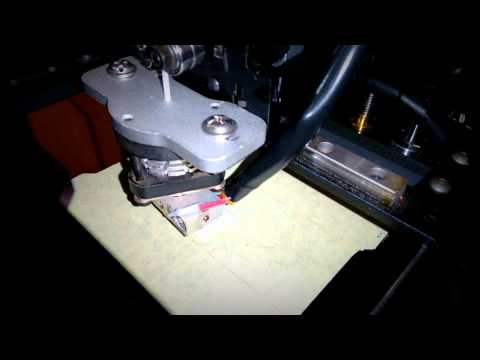
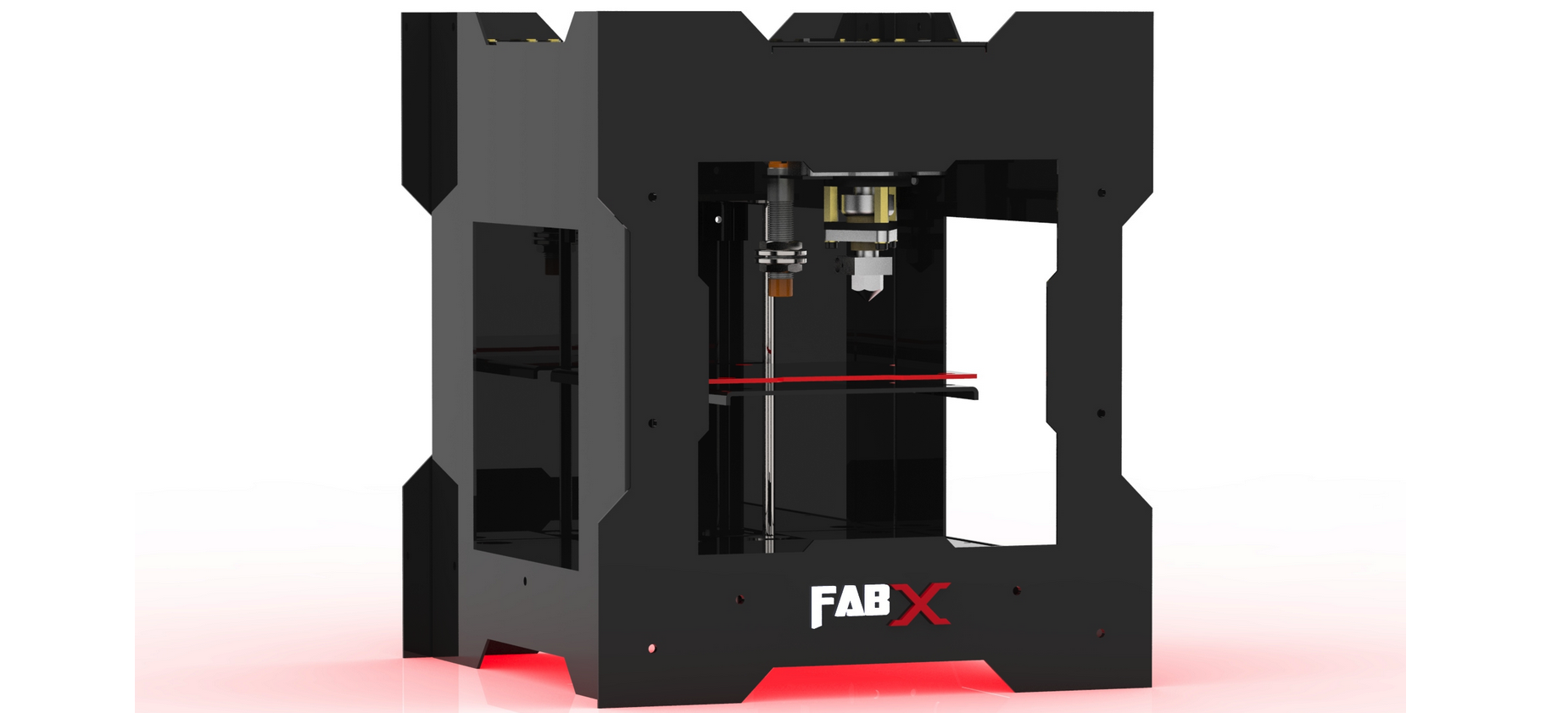
To print using the 3D printer, we require a software which has 3D graphics and animation. I used blender, an open software that is supported in Ubuntu. Can be downloaded form the following link.
https://www.blender.org/download/
The 3D printer recognises .stl files as input and builds on them .
some useful keys to use in blender:
Shift A – add objects
Tab – edit / object mode
Space – tool selection
S – Scale
A – select all in edit mode
C – select object tool
Alt + Shift – select all
B – box select
R – rotation, can be applied with axis, + (degrees)
E – extrude, can be applied with axis
Z – Mesh mode / solid
Shift + D – duplicate object
G – Grab can be performed along any axis, and scaling also included
Ctrl B – Bevel smooth edges
Ctrl R – Loop cut
Ctrl ‘+’ – Mesh select
View:
Camera – Numpad 0
Top – Numpad 7
Bottom – Ctrl + numpad 7
Front – Numpad 1
Back – Ctrl + numpad 1
Right – Numpad 3
Left – Ctrl + numpad 3
Subdivide mesh:
1.Edit mode
2.Tools
3.Add
Project a hole or shape in a object:
1.shift + A, choose – curve – circle
2.place where u want it to be
3.on top of another object to be cut
4.Shift and select other object
5.change to edit mode
6.project knife
7.and delete the face
Solidify object:
1.edit mode
2.select faces
3.space select solidify

Author

prathap7618@gmail.com
Related Posts
A Day of Energy, Exploration, and Learning at STEM Land
-Vaishnavi Rishi Valley School Visit on 22 January On 22nd January, STEM Land welcomed students from Rishi Valley School. The group consisted...
Read out all
Do All Liquids Conduct Electricity? A Classroom Moment of Wonder
-Vaishnavi “Yes, Akka… all liquids conduct electricity!” That was the confident reply I received when I asked my students a simple question....
Read out all
5th Graders Share Their Talents at STEMland’s 10th Anniversary
-SandhiyaBala My Name is Sandhiya Bala, and I deeply care about Courage, care, and Happiness for myself and others. I was teaching...
Read out all
Exploring Awareness Through the Body (ATB) – A Teacher’s Journey
-SandhiyaBala, SivaguruPrasath and Nithya Santhosh SAIIER Teachers’ Centre recently invited teachers to a three-day workshop series called ATB for Teachers, held on...
Read out all
Plaksha School Visit
-Ilakiya, Tamil, Rajesh, Sivaguru and Aarthi STEMland was invited by Plaksha School in Andhra Pradesh for a three-day session to work with...
Read out all
Joy of Creating Puzzles in Algebraic equation
-Sribhavani New Initiative of Sanjeev for the year 2025 is to support children from 5th to 8th grade to make project and...
Read out all