
The following instruction can be used to install scratch in a 64x machine.

- Download the Adobe Air and Scratch files from:
https://scratch.mit.edu/scratch2download/
- The following libraries are needed:
sudo apt-get install libxt6:i386 libnspr4-0d:i386 libgtk2.0-0:i386 libstdc++6:i386 libnss3-1d:i386 lib32nss-mdns libxml2:i386 libxslt1.1:i386 libcanberra-gtk-module:i386 gtk2-engines-murrine:i386
- Now you have to create a symbolic link to your gnome keyring:
sudo ln -s /usr/lib/x86_64-linux-gnu/libgnome-keyring.so.0 /usr/lib/libgnome-keyring.so.0
sudo ln -s /usr/lib/x86_64-linux-gnu/libgnome-keyring.so.0.2.0 /usr/lib/libgnome-keyring.so.0.2.0
- cd into the directory with the AdobeAIRInstaller.bin
- sudo ./AdobeAIRInstaller.bin
- Now install Scratch 2:
sudo “Adobe AIR Application Installer” /path/to/scratch2/installer/Scratch-437.air
Now making scratch an executable and run when double clicked ( usually needs manual configuration in Ubuntu)
1. define .sb2 file’s type
sudo vi /usr/share/mime/package/***.xml
*** is new file’s name. Set is as you like. ex)scratch2
write text below in the file
<?xml version=“1.0” encoding=“UTF-8”?>
<mime-info xmlns=”http://www.freedesktop.org/standards/shared-mime-info“>
<mime-type type=”application/x-scratch2“>
<comment></comment>
<glob pattern=”*.sb2“/>
</mime-type>
</mime-info>
2. associate .sb2 file with scratch 2 application
Find ”edu.media.mit.scratch2editor.desktop” file under directory of /usr/share/applications/ ,
and add only one line in the last line of that desktop file.
MimeType=application/x-scratch2
3. update
sudo update-desktop-databese
sudo update-mime-database
4. reboot PC
Common mistakes or typos:
– “/usr/share/mime/package/” should be “/usr/share/mime/packages/”;
– “sudo update-desktop-databese” should be “sudo update-desktop-database”;
– “sudo update-mime-database” should be “sudo update-mime-database /usr/share/mime”
http://programmingexplorer.weebly.com/blog/installing-scratch-2-on-ubuntu-linux-1404-64-bit
https://scratch.mit.edu/discuss/topic/187916/
Author

prathap7618@gmail.com
Related Posts
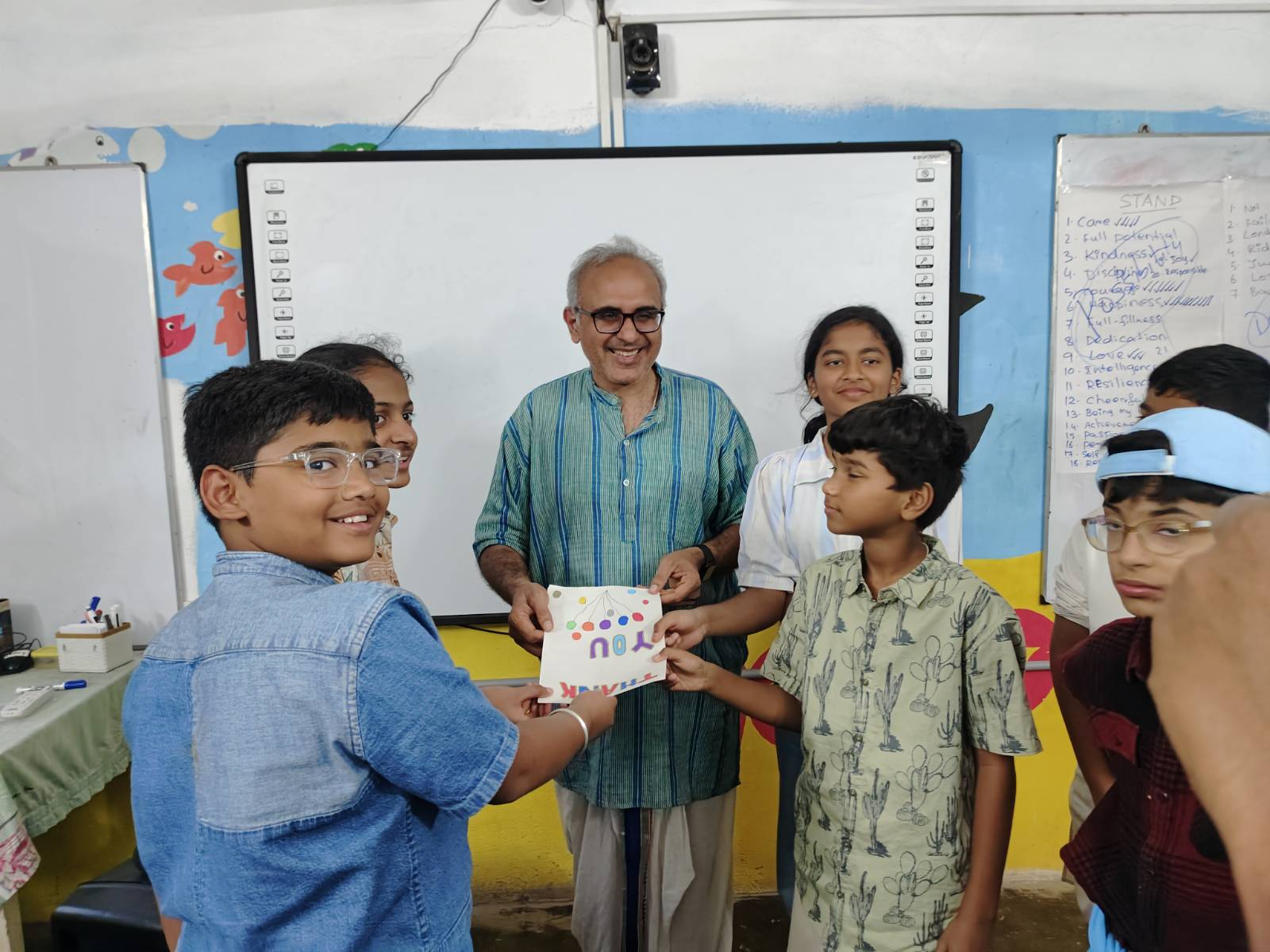
A Day of Energy, Exploration, and Learning at STEM Land
-Vaishnavi Rishi Valley School Visit on 22 January On 22nd January, STEM Land welcomed students from Rishi Valley School. The group consisted...
Read out all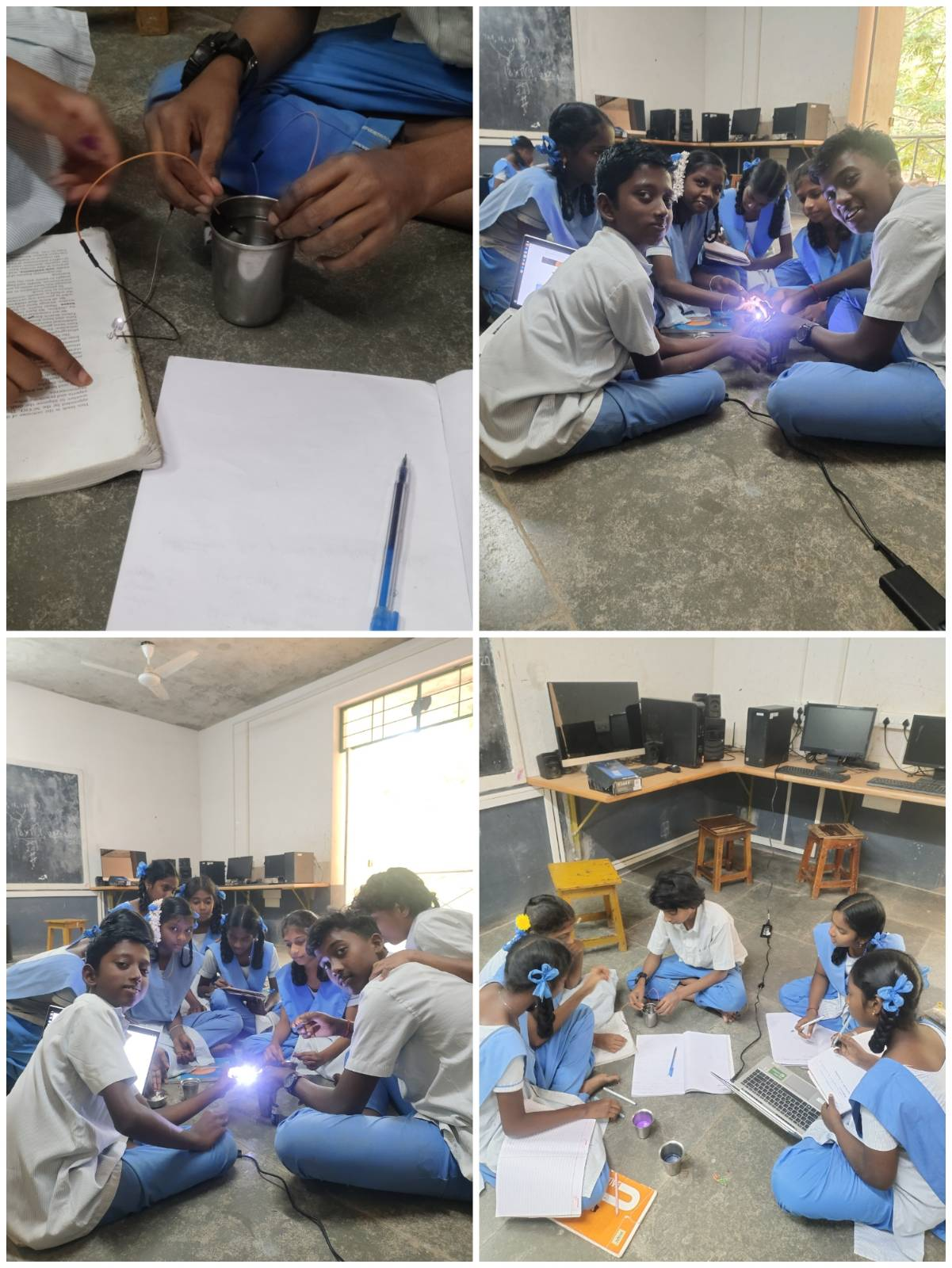
Do All Liquids Conduct Electricity? A Classroom Moment of Wonder
-Vaishnavi “Yes, Akka… all liquids conduct electricity!” That was the confident reply I received when I asked my students a simple question....
Read out all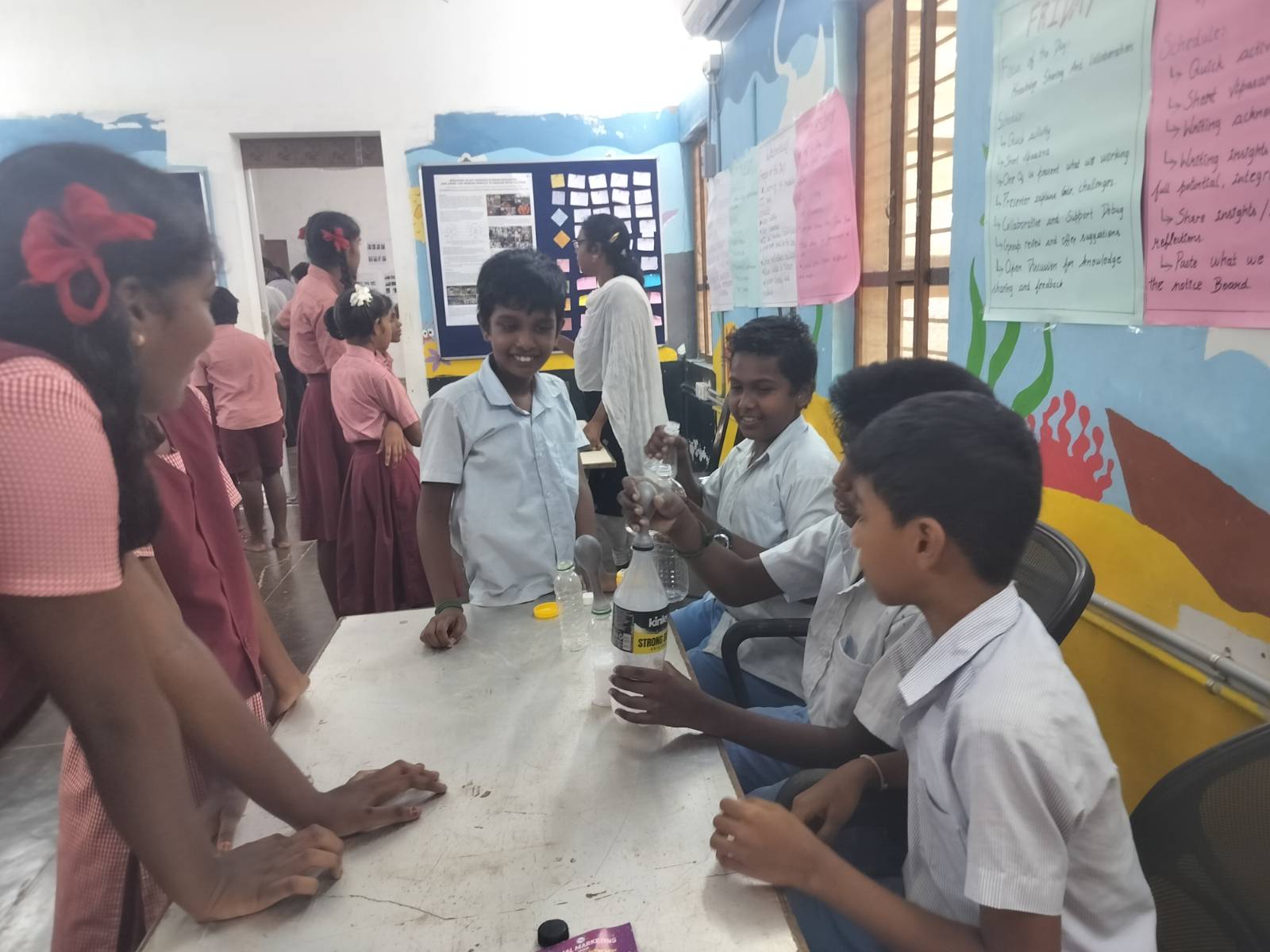
5th Graders Share Their Talents at STEMland’s 10th Anniversary
-SandhiyaBala My Name is Sandhiya Bala, and I deeply care about Courage, care, and Happiness for myself and others. I was teaching...
Read out all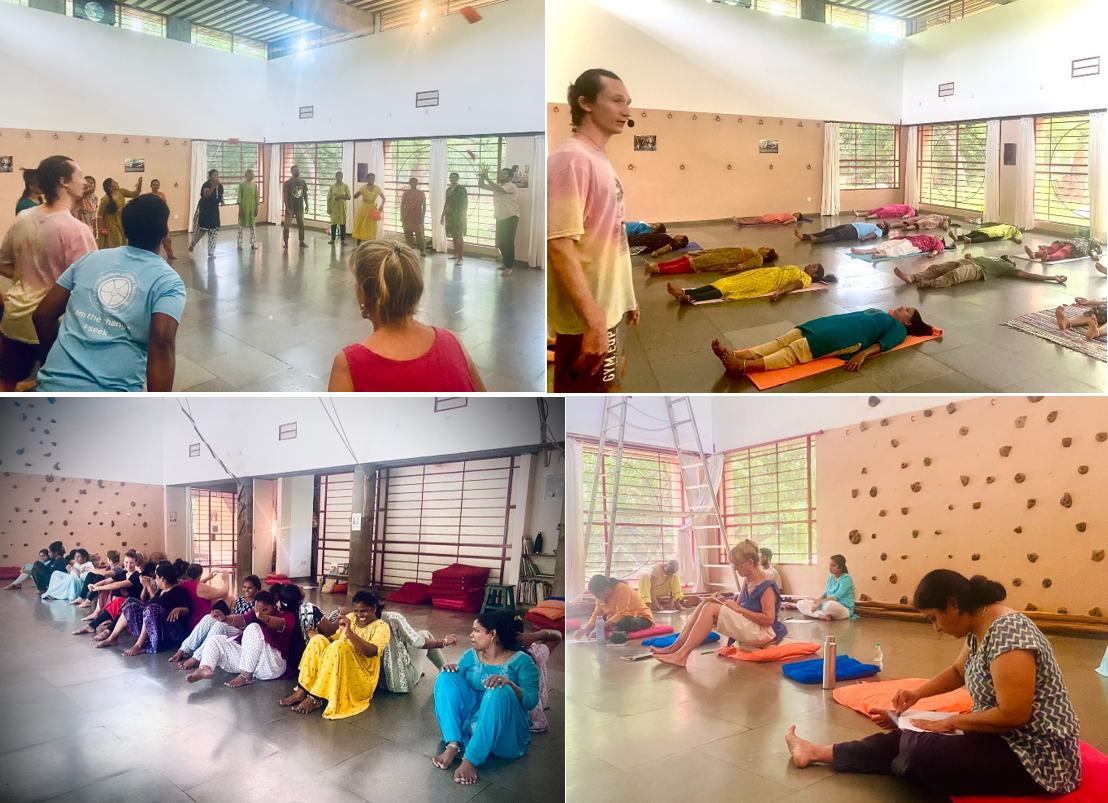
Exploring Awareness Through the Body (ATB) – A Teacher’s Journey
-SandhiyaBala, SivaguruPrasath and Nithya Santhosh SAIIER Teachers’ Centre recently invited teachers to a three-day workshop series called ATB for Teachers, held on...
Read out all
Bhishma Hunt program
The Bhishma Hunt program, organized by Sanvi Educational and Charitable Trust at Sanvi International School, invited STEM Land to lead robotics and...
Read out all
Saturday, Sanfort School Activity
-Ilakiya, Sivasankar, Ajai, NithyaSandhosh Every week, around 25 students from Sanfort International School will visit STEMLand to explore STEM activities. The school...
Read out all